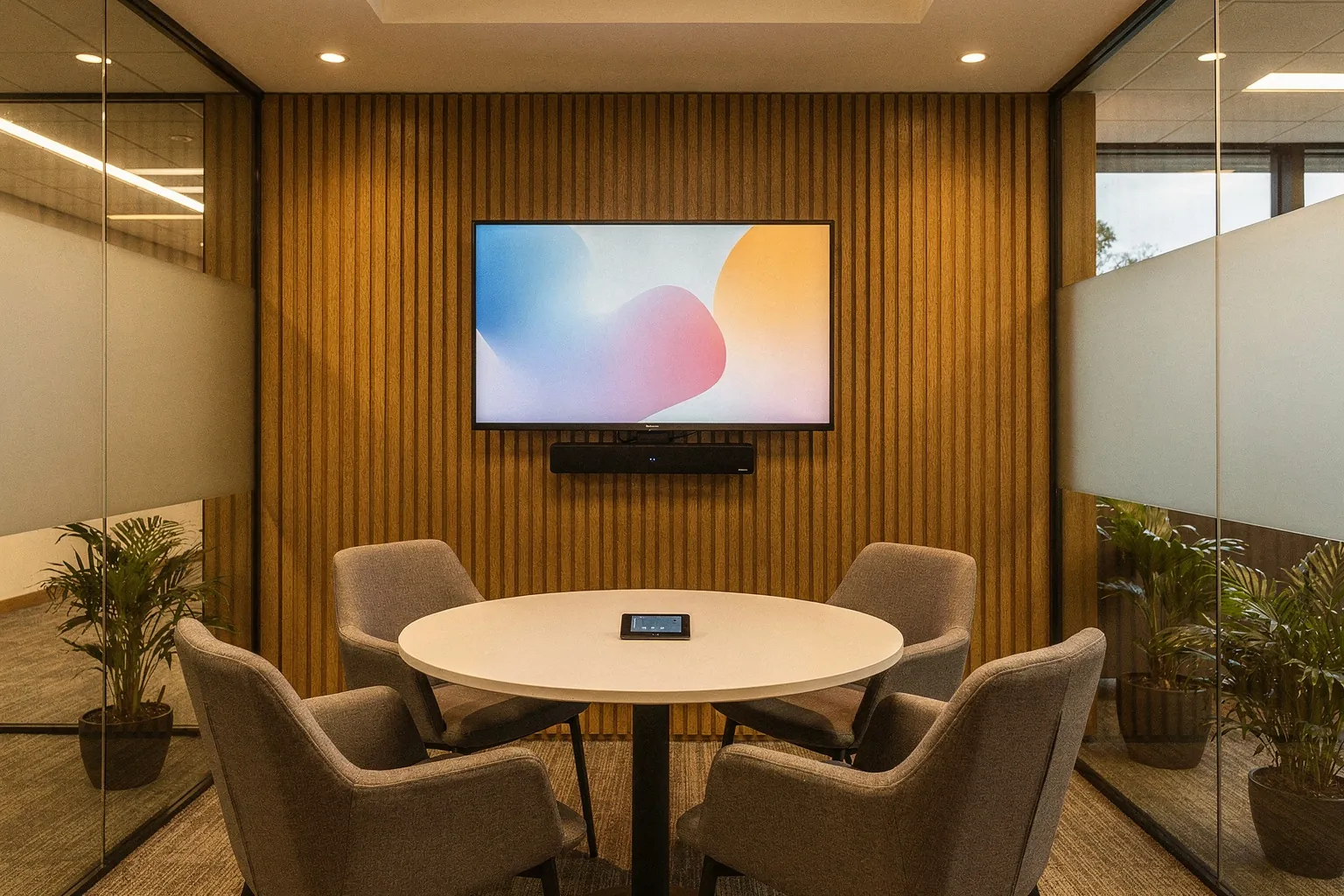
Huddle room
- Typical use
- Quick calls, 2 to 5 people
- What matters most
- An all-in-one bar and a one-touch start
Centaris designs, installs, and manages Microsoft Teams Rooms for organizations across Michigan and the Great Lakes. Sit in a working room at our headquarters before you commit to one of your own.
A Microsoft Teams Room is a conference space with a dedicated, certified system built in: camera, microphones, speakers, display, and a touch console on the table. Nobody plugs in a laptop. You walk in, tap Join, and the people in the room and the people at home see and hear each other equally well.
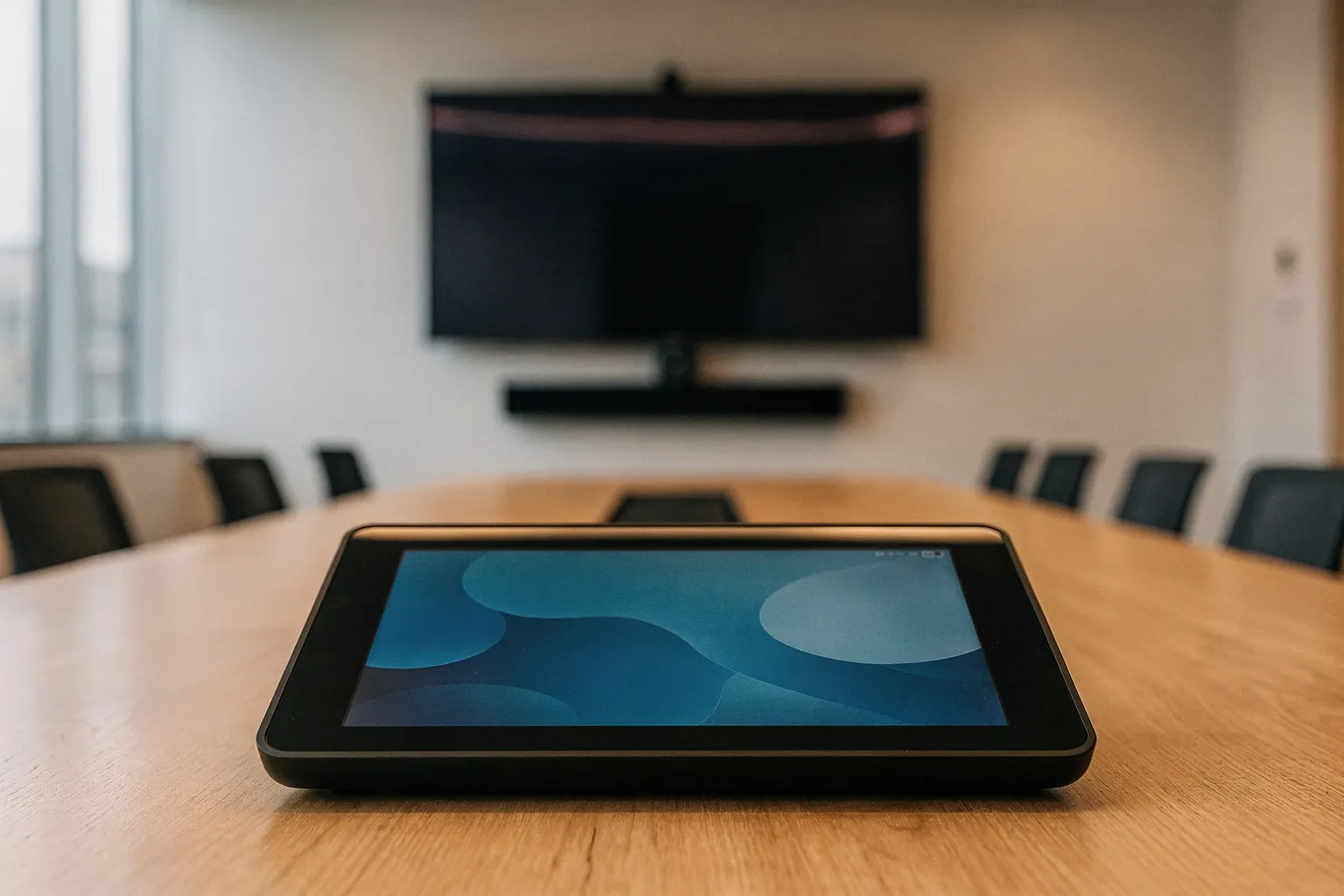
Systems get picked from a catalog. Then they get installed, and everyone finds out what they bought: the remote caller who cannot hear the far end of the table, the camera that frames an empty chair, the laptop propped open at the head of the table because nobody trusts the room.
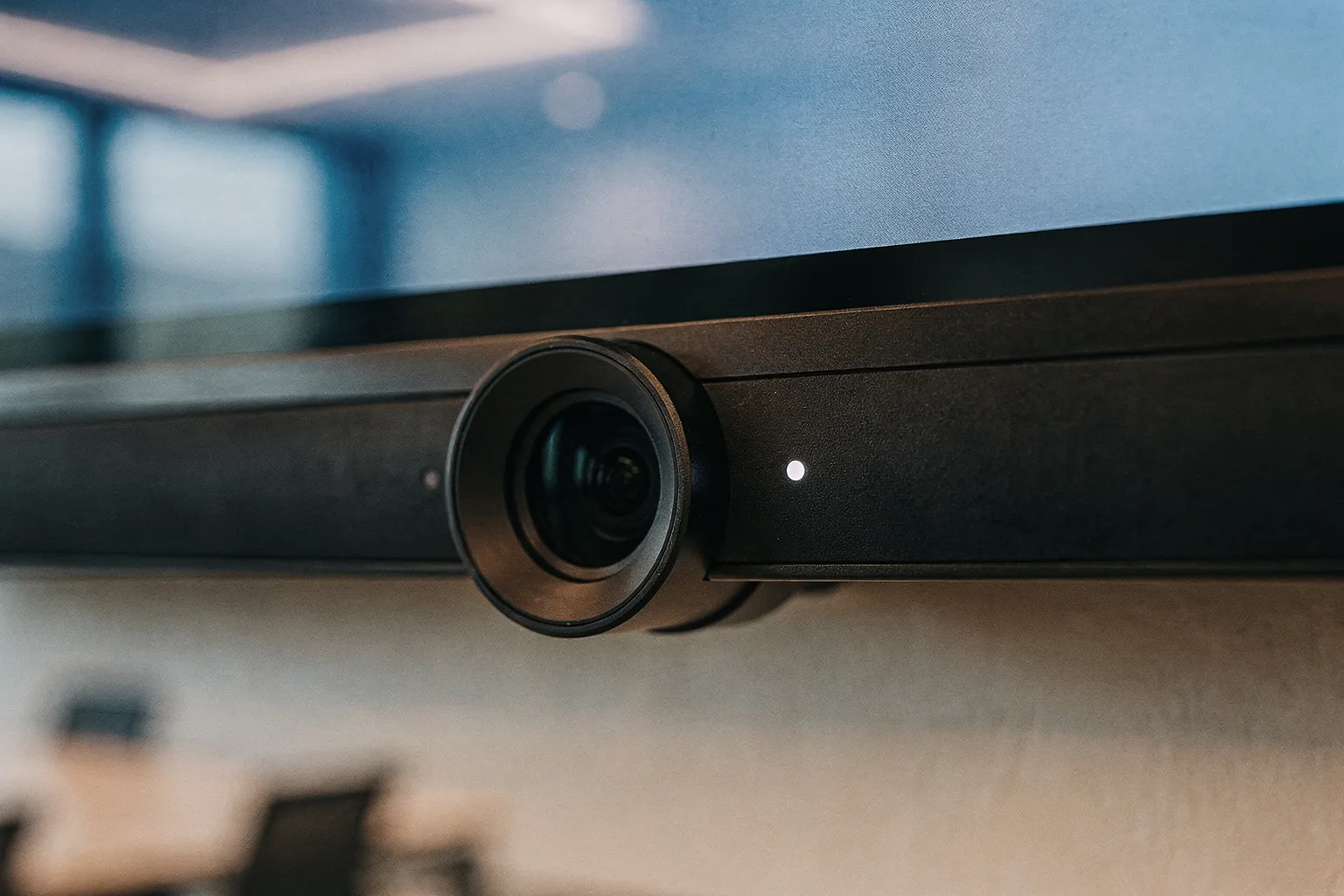
Centaris is considered a Yealink demo center, and our Michigan headquarters has two working Teams Rooms. Bring your team, join a real meeting, and answer the questions a spec sheet cannot:
A visit takes about 30 to 45 minutes. You leave knowing what works for your space, with no obligation to buy.


Most providers sell the hardware or the license. We handle the full path, so there is one team accountable for whether the room works.
We look at your rooms, seating, acoustics, and network before recommending anything.
Camera, audio, and display are matched to each space and to how your teams meet.
We set up the right Teams Rooms licensing, resource accounts, and calendar integration in your Microsoft 365 tenant.
Our engineers come on-site, mount and cable the system cleanly, and test every seat.
Updates, monitoring, troubleshooting, and moves, adds, and changes stay with us after go-live.
Rooms can also tie into Microsoft Teams Phone and your managed IT support, so voice, meetings, and devices are run as one environment.
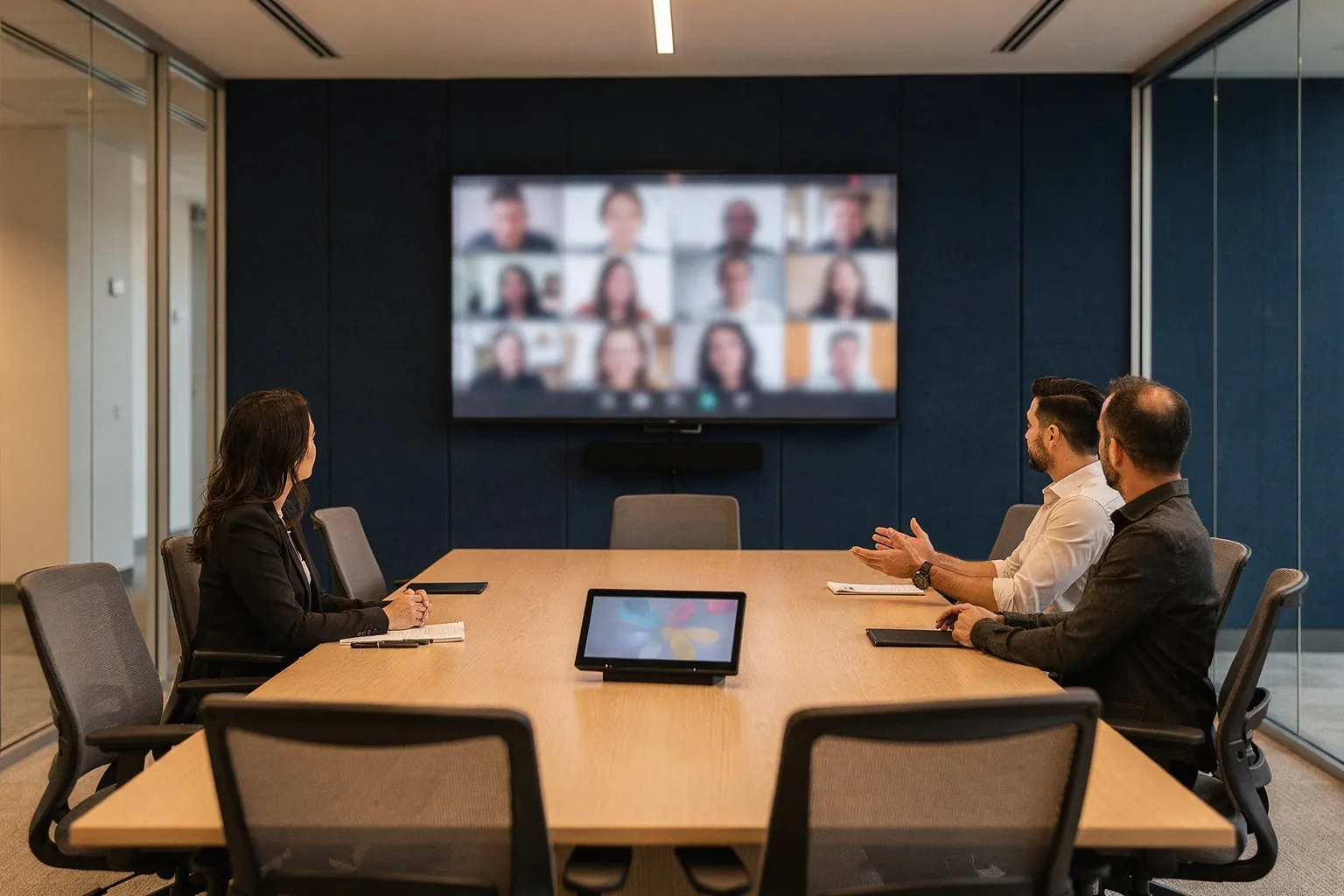
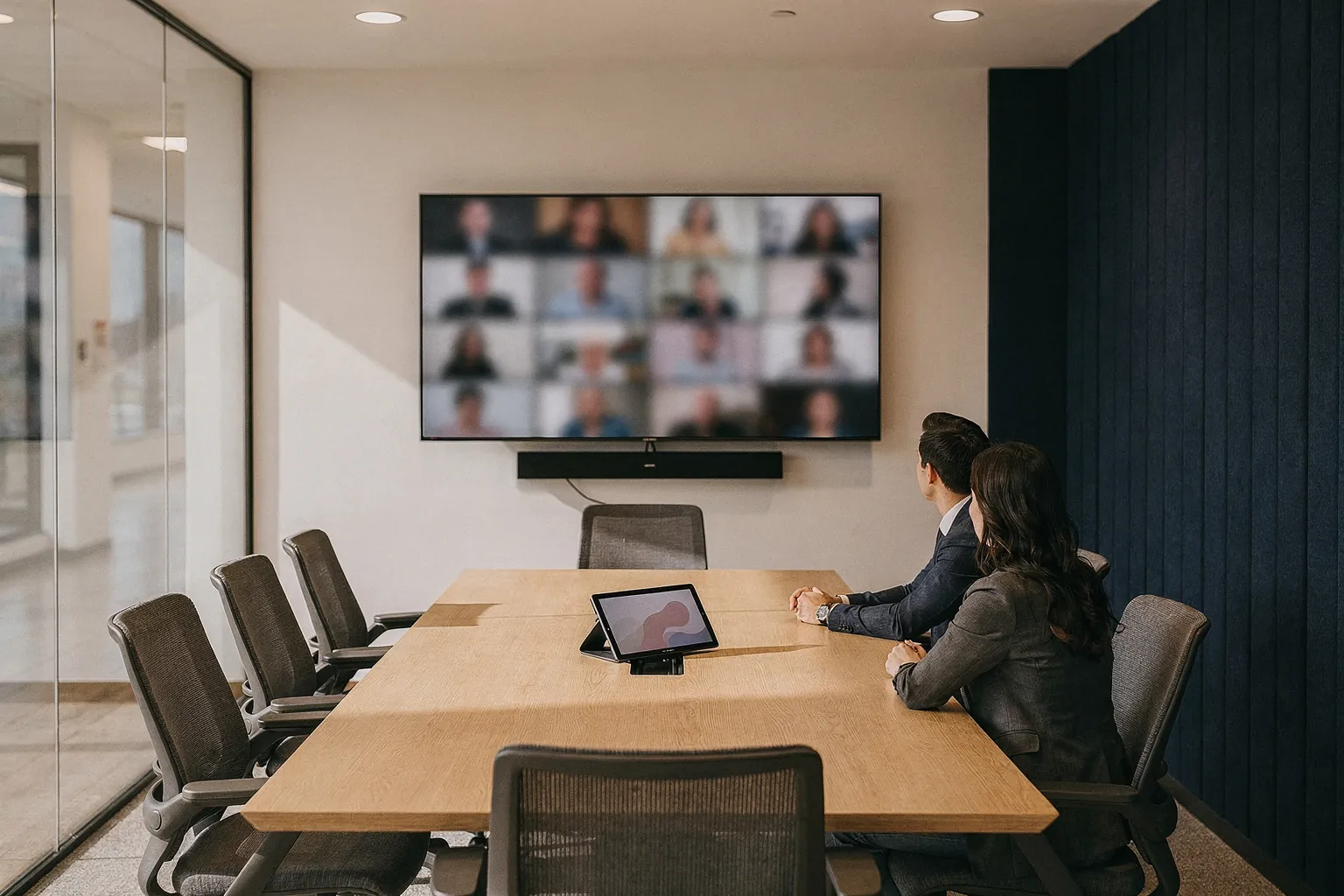
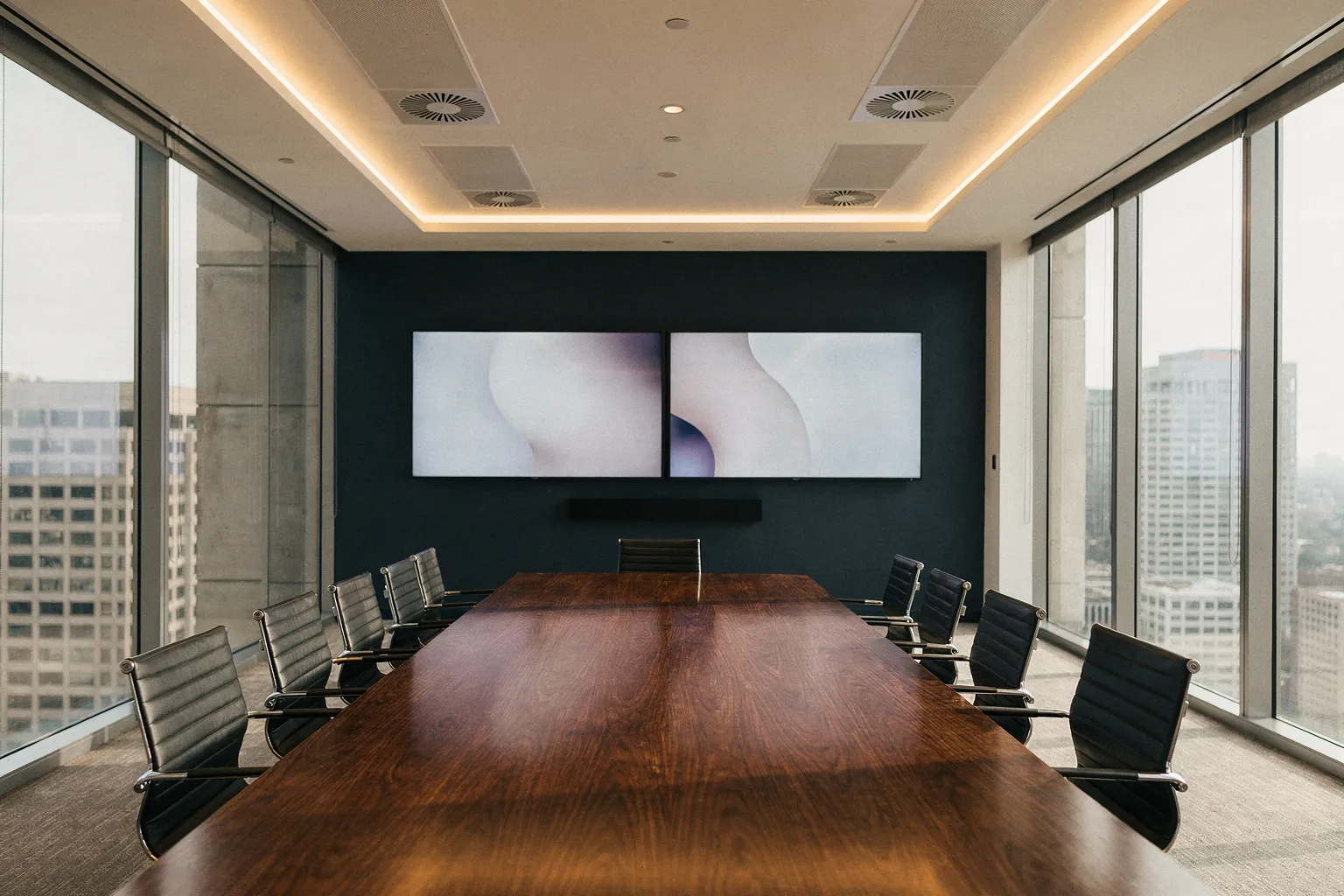
A Teams Room is a certified, always-on system signed in to its own account. It joins meetings with one touch, is managed centrally by IT, and is designed so every seat is seen and heard.
Yes. Teams Rooms run on Microsoft 365 and Teams. If you are still moving to Teams, we can plan the rooms as part of that migration.
Often, yes. Existing displays and some audio equipment can be reused. The assessment tells you what is worth keeping.
The physical install is usually quick. Network readiness, licensing, and hardware lead times set the real schedule, which is why we check them first.
Yes. Ongoing management is part of the service, either on its own or within a fully managed or co-managed IT agreement.
For a deeper look at planning and licensing, read Microsoft Teams Rooms: Build Better Hybrid Meetings.
Tell us about your space, or come sit in ours. Thirty minutes in a working room answers more than weeks of comparing specifications.